
Mastering Excel for Business Consulting: Essential Tips and Tricks


Introduction to Excel for Business Consulting
Excel is a powerful tool for business consultants, offering a range of functionalities that can enhance productivity and decision-making. Mastering Excel can significantly impact your efficiency and the quality of insights you provide to clients. This guide will cover essential tips and tricks to help you leverage Excel's full potential.
Understanding Excel Functions and Formulas
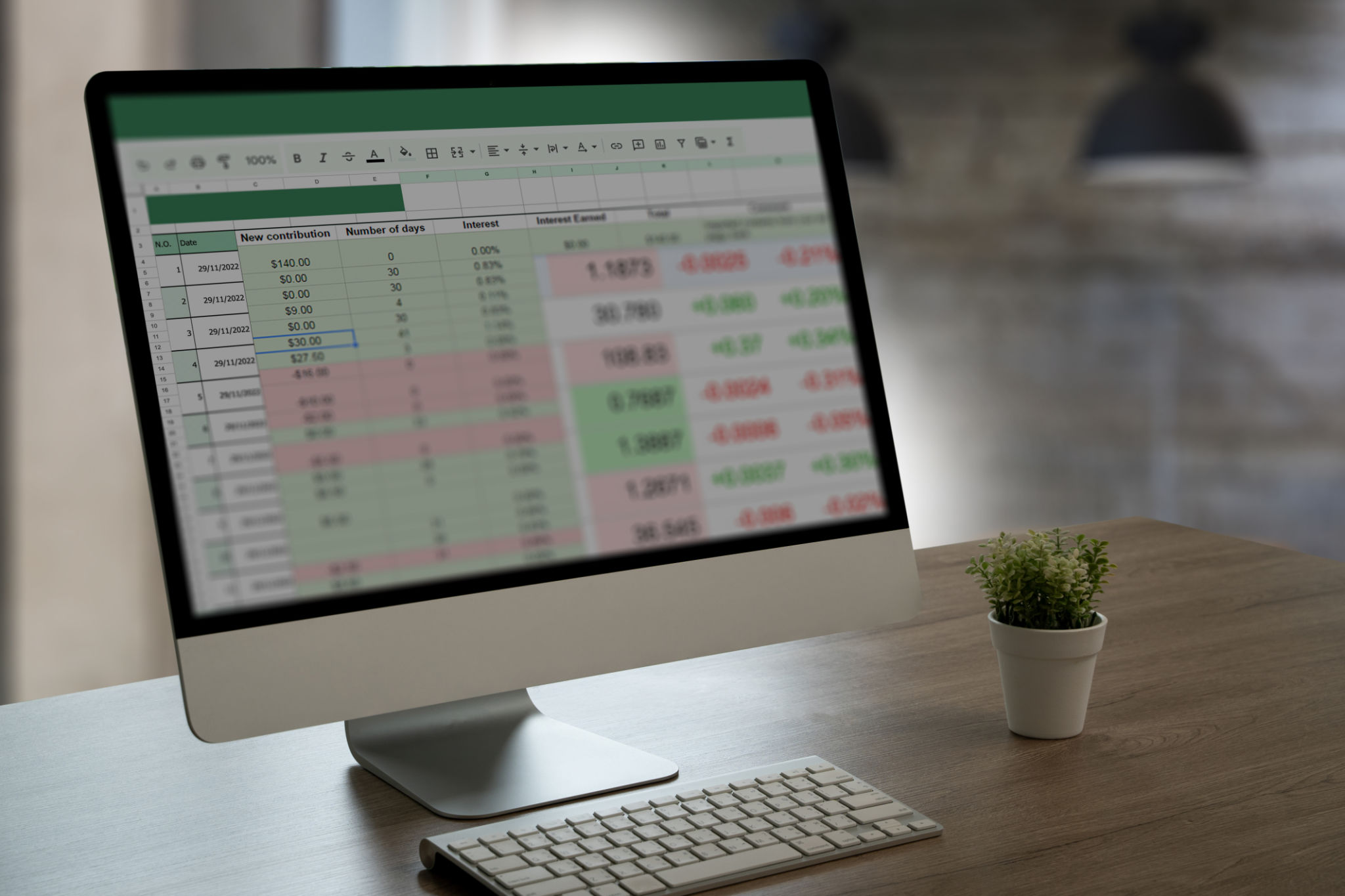
Functions and formulas are the backbone of Excel. Understanding how to use them effectively can transform how you analyze data. Some key functions include VLOOKUP, INDEX, and MATCH, which are crucial for data retrieval and analysis.
Utilize SUMIF and COUNTIF to perform conditional calculations, which can help in generating insightful reports. These functions allow you to sum or count data based on specific criteria, streamlining your analysis process.
Advanced Excel Techniques
Once you're comfortable with basic functions, it's time to explore more advanced techniques. PivotTables are an excellent way to summarize and analyze large datasets quickly. They allow for dynamic data analysis, making it easier to identify trends and patterns.

Data Visualization with Excel
Visual representation of data is crucial for conveying insights effectively. Excel offers a range of chart types, including bar charts, line graphs, and pie charts, to help visualize data trends. Use the Conditional Formatting feature to highlight key data points, making your reports more intuitive.
For more complex visualizations, consider using Sparklines. These are tiny charts that fit within a cell, providing a compact way to represent data trends.

Time-Saving Excel Shortcuts
Boosting efficiency with Excel can be as simple as mastering keyboard shortcuts. Common shortcuts like Ctrl + C for copy and Ctrl + V for paste are just the beginning. Discover shortcuts for formatting, such as Ctrl + 1 to open the format cells dialog, to enhance productivity.
Utilizing Excel Templates
Excel templates can save time and standardize processes. There are numerous pre-designed templates available for budgeting, project management, and more. Customizing these templates to fit your specific needs can streamline your workflow and ensure consistency across projects.

Automating Tasks with Macros
For repetitive tasks, consider using Macros to automate processes. Macros can record a sequence of actions and execute them with a single command, reducing time spent on routine tasks. This feature is particularly useful for tasks such as data entry and report generation.
Ensure you have a basic understanding of VBA (Visual Basic for Applications) to create and manage Macros effectively. This skill can greatly enhance your ability to automate complex tasks.

Conclusion
Mastering Excel is an invaluable skill for business consultants, offering tools for efficient data analysis, visualization, and automation. By integrating these tips and tricks into your daily workflow, you can enhance your productivity and deliver greater value to your clients.